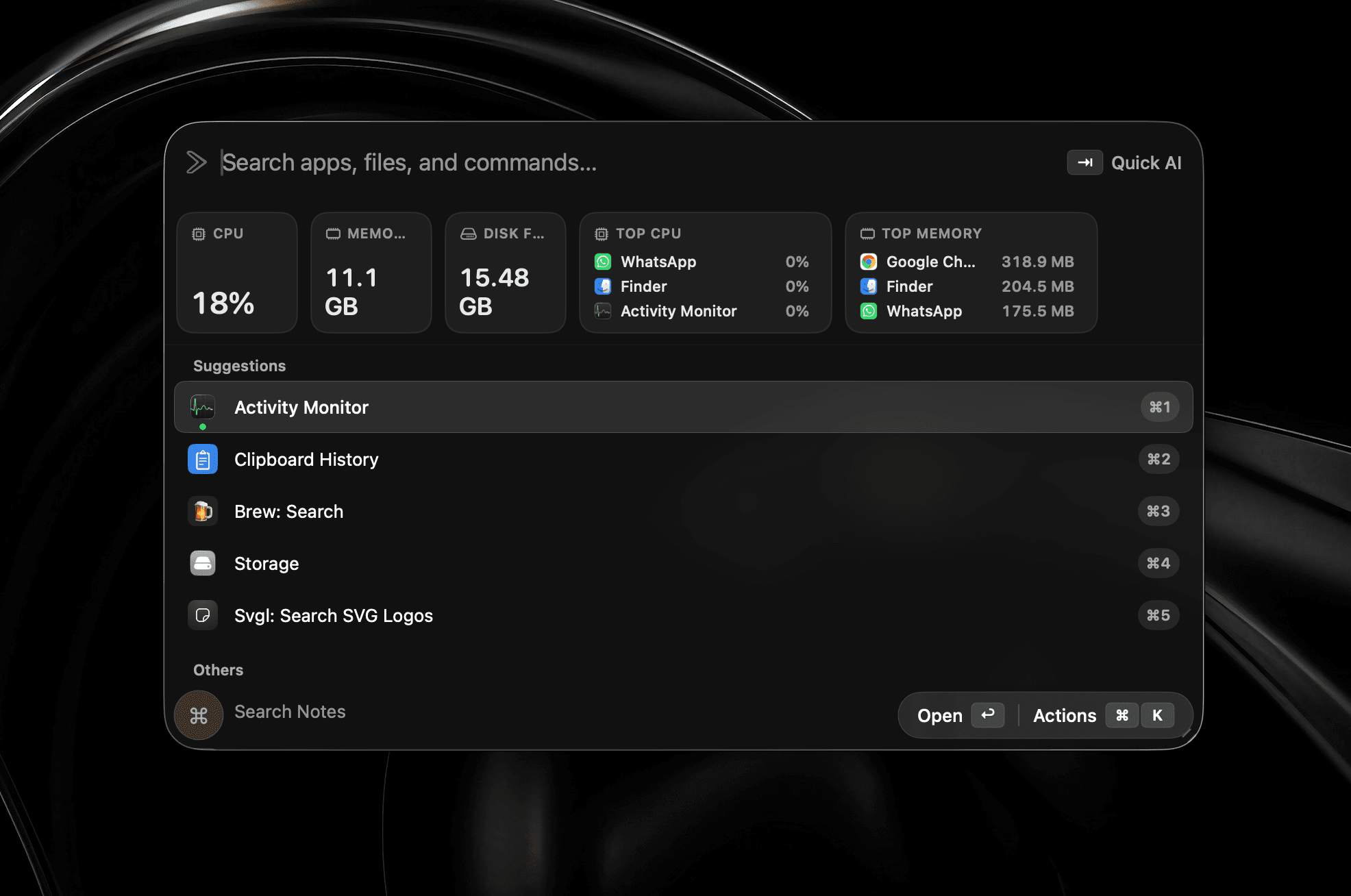
Il tuo Mac a colpo d’occhio
CPU, memoria, disco e processi che consumano la batteria, direttamente nel launcher.
Ricostruito in Swift
Un launcher per Mac veloce, nativo e incentrato sui dati locali.
Offerta lancio·Sconto del 50%·Per 3 Mac
Richiede macOS 26 o versione successiva
Oppure installa con Homebrew
$brew install --cask shobhit99/tap/supercmdPer la tua azienda? Prenota una chiamata con lo sviluppatore
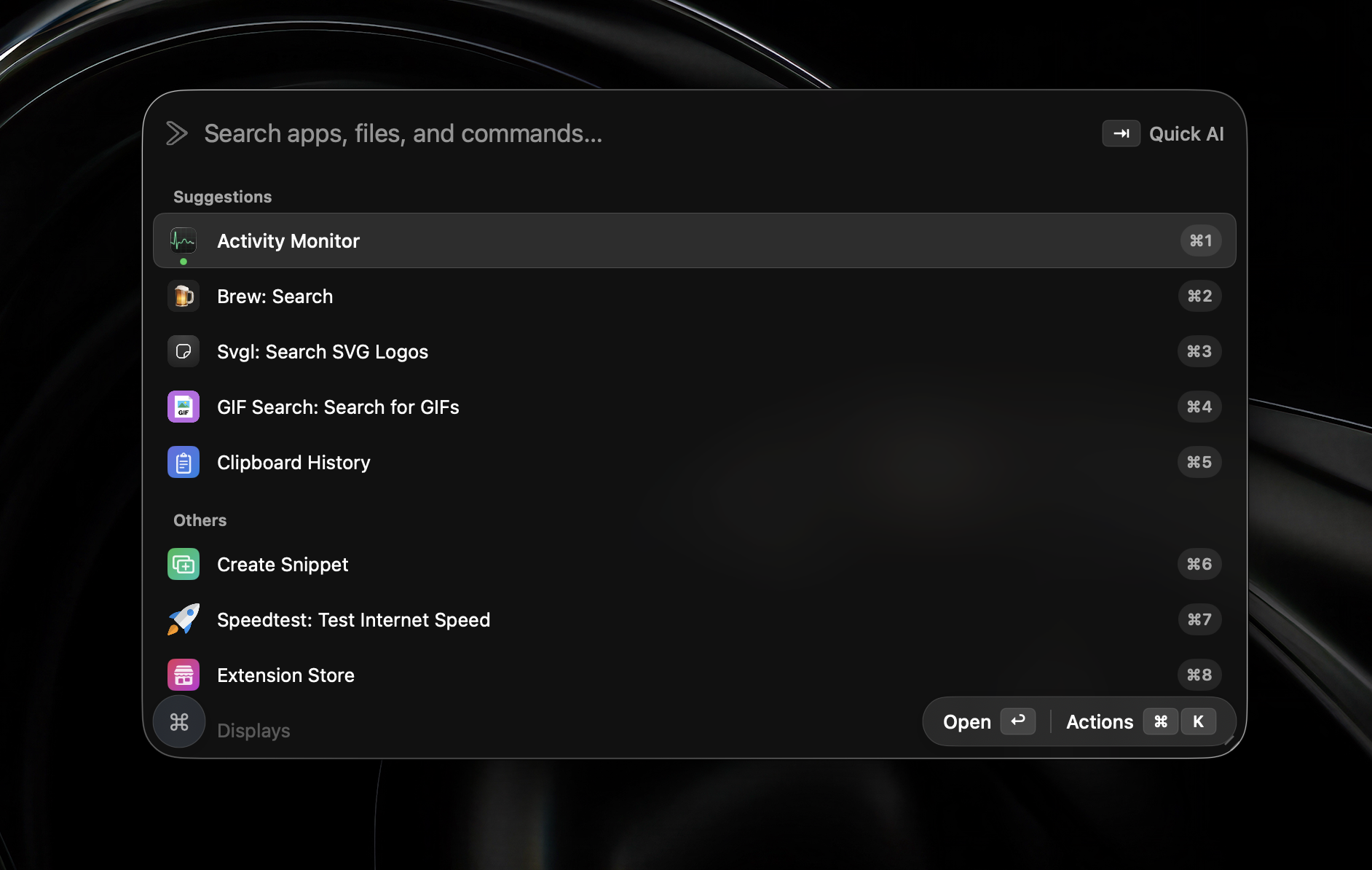
Funzionalità
Sviluppato nativamente in Swift. Agenti, screenshot, widget e un launcher che resta leggero.
Uso della memoria
Grazie a Swift nativo, l’app resta leggera anche con agenti, widget e screenshot aperti.
Sviluppato nativamente in Swift
Senza Electron
In pratica
È tutto incluso nella v2. Nessuna lista d’attesa o funzione beta: installa e inizia subito.
CPU, memoria, disco e processi che consumano la batteria, direttamente nel launcher.
Cattura un’area, aggiungi subito frecce, forme, testo o oscuramenti e copia il risultato negli appunti.
Vedi tutte le finestre aperte come anteprime numerate e premi un numero per aprire quella giusta.
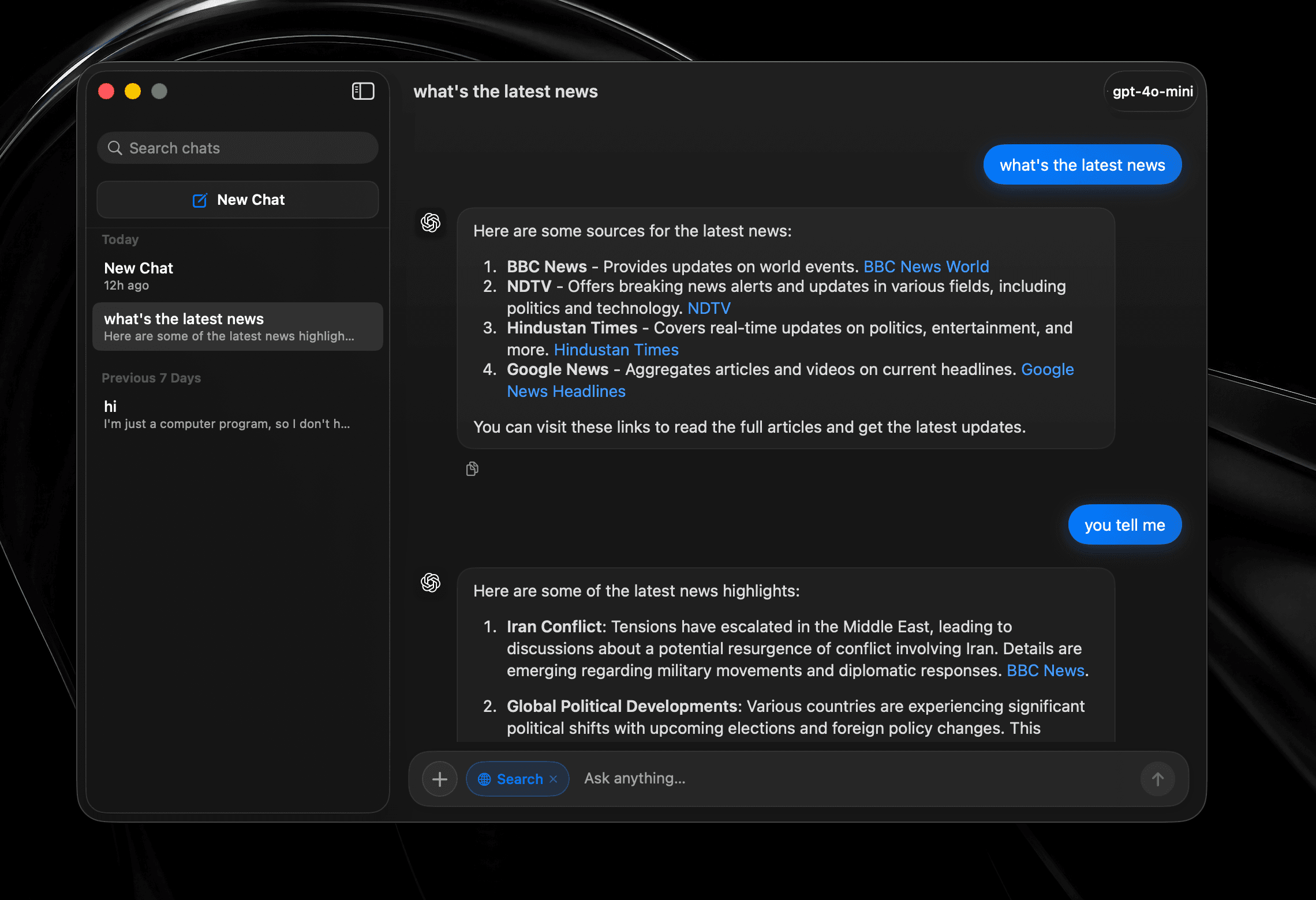
Conversazioni complete con cronologia, ricerca web e cambio modello, non un prompt usa e getta aggiunto al launcher.
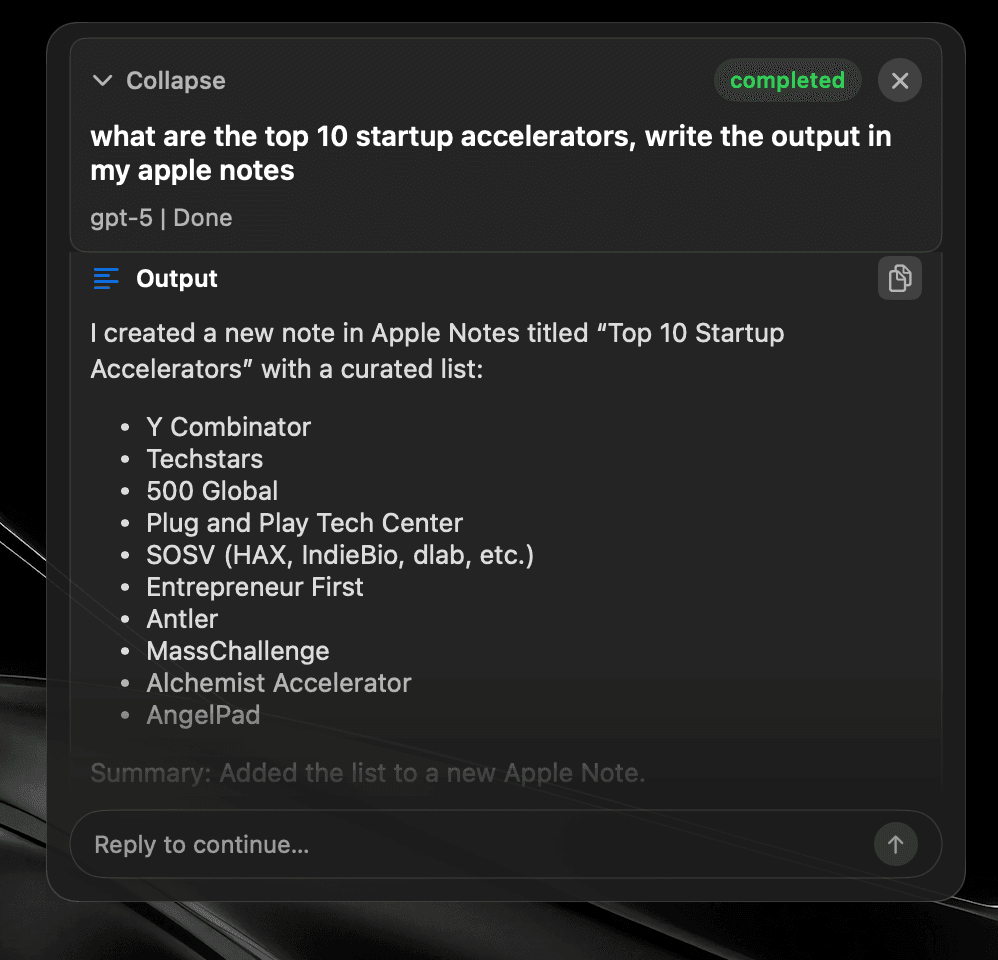
Affida un’attività e continua con altro. L’agente sceglie gli strumenti, lavora tra le app e scrive il risultato dove hai chiesto.
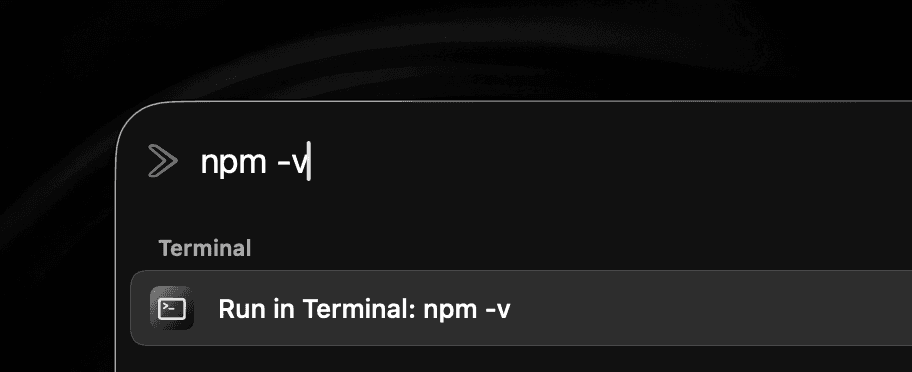
Esegui un comando shell senza interrompere il lavoro o cercare una finestra del Terminale.
Seleziona il testo in qualsiasi app e miglioralo sul posto, senza passare da una finestra di chat.
Premi due volte un modificatore invece di imparare un’altra scorciatoia. Associa il launcher, un agente o qualsiasi strumento.


Cloud · Locale · Sul dispositivo
Provider IA
Collega OpenAI, OpenRouter, il tuo account ChatGPT, Anthropic, Gemini, LM Studio, Ollama, Local MLX, Mistral o ElevenLabs.
Oppure mantieni tutto sul dispositivo con Apple Intelligence.
Usa il provider scelto in Quick Fix, Quick AI Chat, AI Chat e Global AI Prompt.
La disponibilità di Apple Intelligence dipende dal Mac, dalla versione di macOS, dalla lingua e dall’area geografica.
Snippets
Expand text anywhere
Window Management
Snap & arrange
System Commands
Control macOS fast
Read Aloud
Text-to-speech playback
Browser integration
Tabs, history, bookmarks
Widgets
CPU, memory, time, top apps
Alt + Tab
Close windows with Backspace
Raycast Extensions
Import & run extensions
Local Dictation
On-device voice typing
File Search
Find files instantly
Menu Item Search
Search commands in any app
Cloud Sync
Your setup on every Mac
Quicklinks
Jump to anything
Hyperkey
One key, many shortcuts
Calendar
Next meeting, one keystroke
Clipboard
Unlimited history & search
Calculator
Inline math from the bar
Terminal commands
Run shell from the launcher
Screenshot tool
Annotate, history, pin
Custom Scripts
Run your own tools
App Hotkeys
Launch with keys
Navigation Bindings
Remap launcher navigation
Double-tap hotkeys
Modifier double-tap bindings
Emoji Picker
Search and paste in a flash
Translate
Any text, any language
10+ Languages
Use SuperCmd in your language
Quick Camera
Mirror your webcam instantly
Auto Quit
Close idle apps for you
AI Agents + harness
Plan, tool-call, and execute
AI chat window
Dedicated agent surface
Quick Fix
Rewrite & repair text
Quick AI Prompt
AI in one keystroke
GPT Realtime
Live voice agent
Fianco a fianco
Le stesse funzioni essenziali, con meno limiti e meno peso.
Scorri per confrontare →
| Funzione |  SuperCmd SuperCmd |  Raycast Raycast |
|---|---|---|
| Launcher di app e file | ||
| Gestione finestre e Spaces | ||
| Cronologia appunti illimitata | Pro only 3 months free | |
| Note e snippet sincronizzati illimitati | Pro only 5 notes free | |
| Sincronizzazione cloud e traduzione | Pro only | |
| Estensioni Raycast | Supported* | |
| Chat IA e agenti | 11+ providers ChatGPT sign-in | Beta / Pro Raycast AI or BYOK |
| Screenshot e annotazioni | Screenshot only | |
| Widget di sistema nel launcher | Extensions | |
| Dettatura locale e LLM Apple | Cloud dictation | |
| GPT Realtime e Quick Fix | AI Commands | |
| Selettore Alt-Tab e scorciatoie a doppio tocco | ||
| Profili browser e comandi Terminale | Quicklinks / scripts | |
| Tecnologie | Native Swift | WebView + Node + Rust |
| Uso della memoria | ≈3× lower | 500 MB+ |
| App su disco | ≈50 MB | ≈144 MB |
| Dimensione download | ≈20 MB | 100 MB+ |
| Prezzo | One-time purchase Lifetime licence | $8/month Pro Advanced AI costs extra |
*Extensions using Raycast-managed authentication are not supported yet. Raycast plan and memory figures were checked against its published documentation in July 2026. Sizes and memory use vary by version, extensions, workload, and Mac.
Confronto dei costi
Sostituisci tre abbonamenti e un altro acquisto una tantum.
Scorri per confrontare →
| Quello che ti serve | App separate | SuperCmd |
|---|---|---|
| Dettatura vocale |  Wispr Flow$15/month Wispr Flow$15/month | Incluso |
| Launcher e IA | Raycast Pro$8/month | Incluso |
| Screenshot e annotazioni |  CleanShot X$29 once CleanShot X$29 once | Incluso |
| Lettura ad alta voce |  Speechify$12/month Speechify$12/month | Incluso |
| Totale primo anno | $449$35/month + $29 once | $39.99$19.99once · 3 Macs |
First-year total uses the listed monthly prices for 12 months plus the CleanShot X one-time purchase. Prices may change.
Architettura
SuperCmd v2 è scritto interamente in Swift. La dettatura resta sul dispositivo, la gestione finestre comunica direttamente con macOS e il launcher sembra parte del sistema.
AppKit e SwiftUI dove servono. Avvio immediato, CPU tranquilla e nessun peso di Chromium.
Hyperkey, scorciatoie delle app, comandi di sistema e Quick Prompt: pensato per chi non stacca le mani dalla tastiera.
Importa i backup di Raycast, mantieni le estensioni e passa a un ambiente più veloce senza cambiare abitudini.
I tuoi dati di SuperCmd sono al 100 % locali. Non raccogliamo cronologia degli appunti, screenshot, snippet, ricerche o attività delle app, e nulla viene inviato ai nostri server. SuperCmd usa Aptabase, un servizio di analisi attento alla privacy, solo per contare sessioni anonime; nessun utilizzo delle funzioni o evento viene tracciato. Quando scegli un servizio online, come un provider di IA o la sincronizzazione cloud, i dati vanno direttamente dal tuo Mac al servizio che hai configurato. Leggi la nostra informativa sulla privacy completa.
Sì. La maggior parte delle estensioni di Raycast funziona in SuperCmd. Le estensioni che si basano sull’autenticazione gestita da Raycast non sono ancora supportate; il supporto arriverà gradualmente.
Sì. È un acquisto una tantum: paghi una volta, usi SuperCmd per sempre e ricevi tutti gli aggiornamenti futuri senza costi aggiuntivi.
Una licenza SuperCmd copre tre Mac.
Sì. In SuperCmd apri le Impostazioni, vai su Avanzate → Importazione da Raycast e segui le istruzioni per trasferire i dati supportati.
Quando vuoi
Il launcher in Swift per chi vive di scorciatoie, appunti e prompt IA.
Offerta lancio·Sconto del 50%·Per 3 Mac
Richiede macOS 26 o versione successiva
Oppure installa con Homebrew
$brew install --cask shobhit99/tap/supercmdPer la tua azienda? Prenota una chiamata con lo sviluppatore