Macの状態をひと目で
CPU、メモリ、ディスクに加え、バッテリーを消費しているプロセスまでランチャーで確認できます。
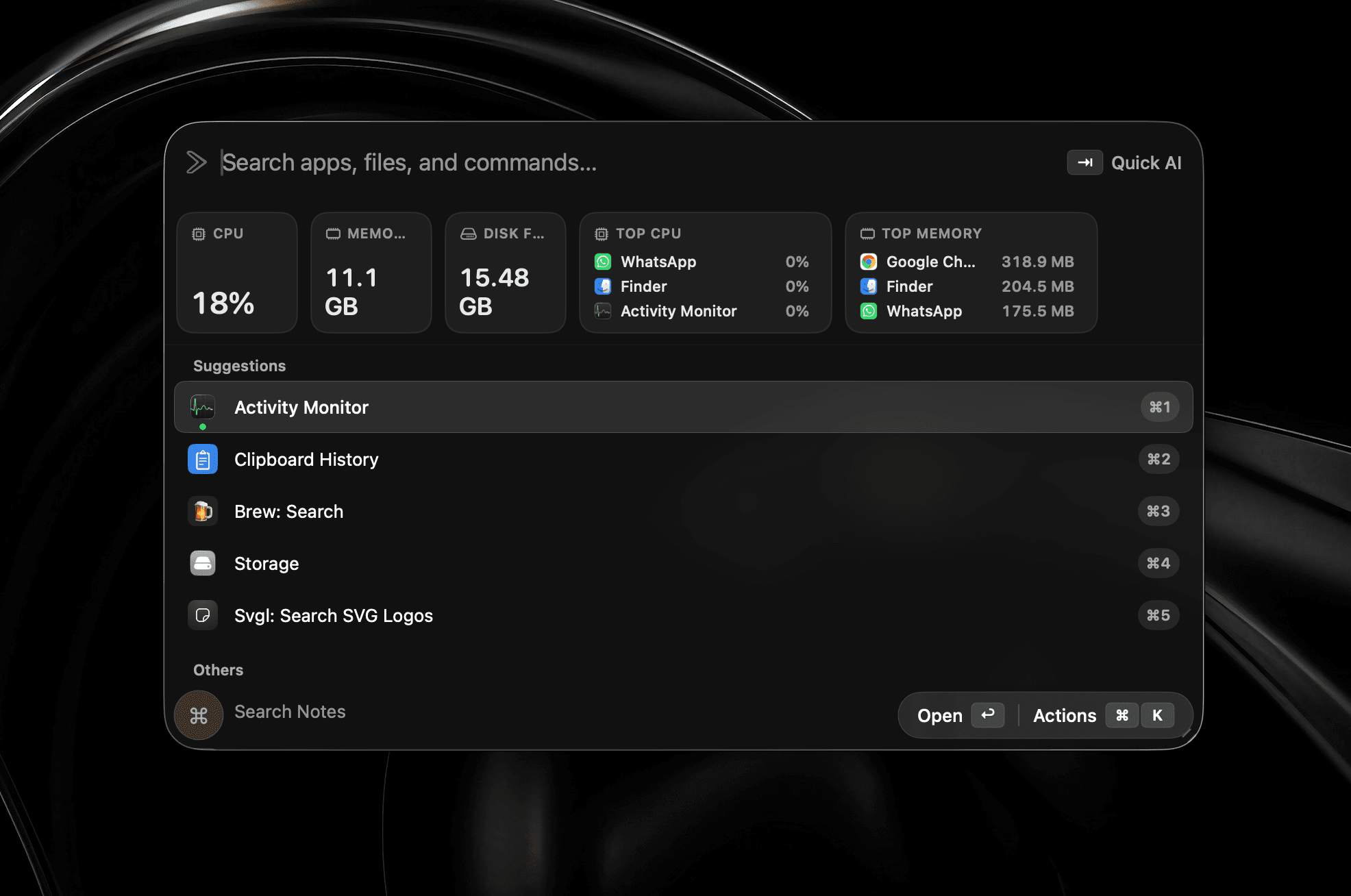
Swiftでゼロから再構築
高速・ネイティブ・ローカルファーストのMacランチャー。
早期購入特典·50%オフ·3台のMacで利用可能
macOS 26以降が必要です
Homebrewからもインストールできます
$brew install --cask shobhit99/tap/supercmd法人のお客様 開発者との通話を予約
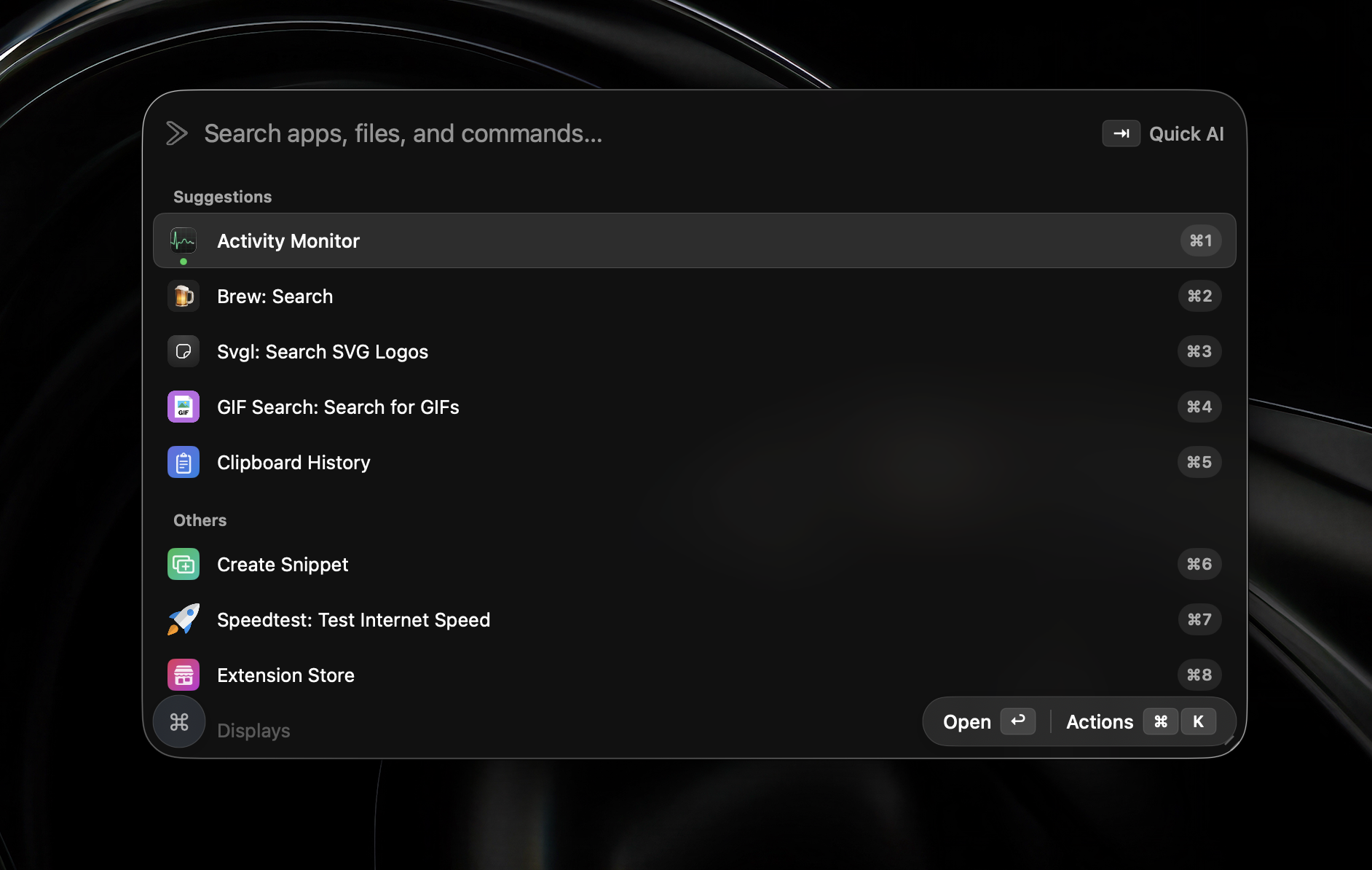
機能一覧
Swiftネイティブで開発。エージェント、スクリーンショット、ウィジェットなど、日常で本当に使う機能を軽快なランチャーにまとめました。
メモリ使用量
エージェントやウィジェット、スクリーンショットをすべて開いても、Swiftネイティブだから軽快です。
Swiftネイティブで開発
Electron不使用
実際の使い方
すべてv2に搭載済みです。順番待ちもベータ設定もなく、インストール後すぐに使えます。
CPU、メモリ、ディスクに加え、バッテリーを消費しているプロセスまでランチャーで確認できます。
範囲を選んで撮影し、その場で矢印や図形、文字、ぼかしを追加。完成した画像はクリップボードへ。
開いているウインドウを番号付きのライブプレビューで一覧表示。番号を押すだけで目的の場所へ移動できます。
履歴、Web検索、モデル切り替えを備えた本格的な会話。ランチャーに付け足した一回限りのプロンプトではありません。
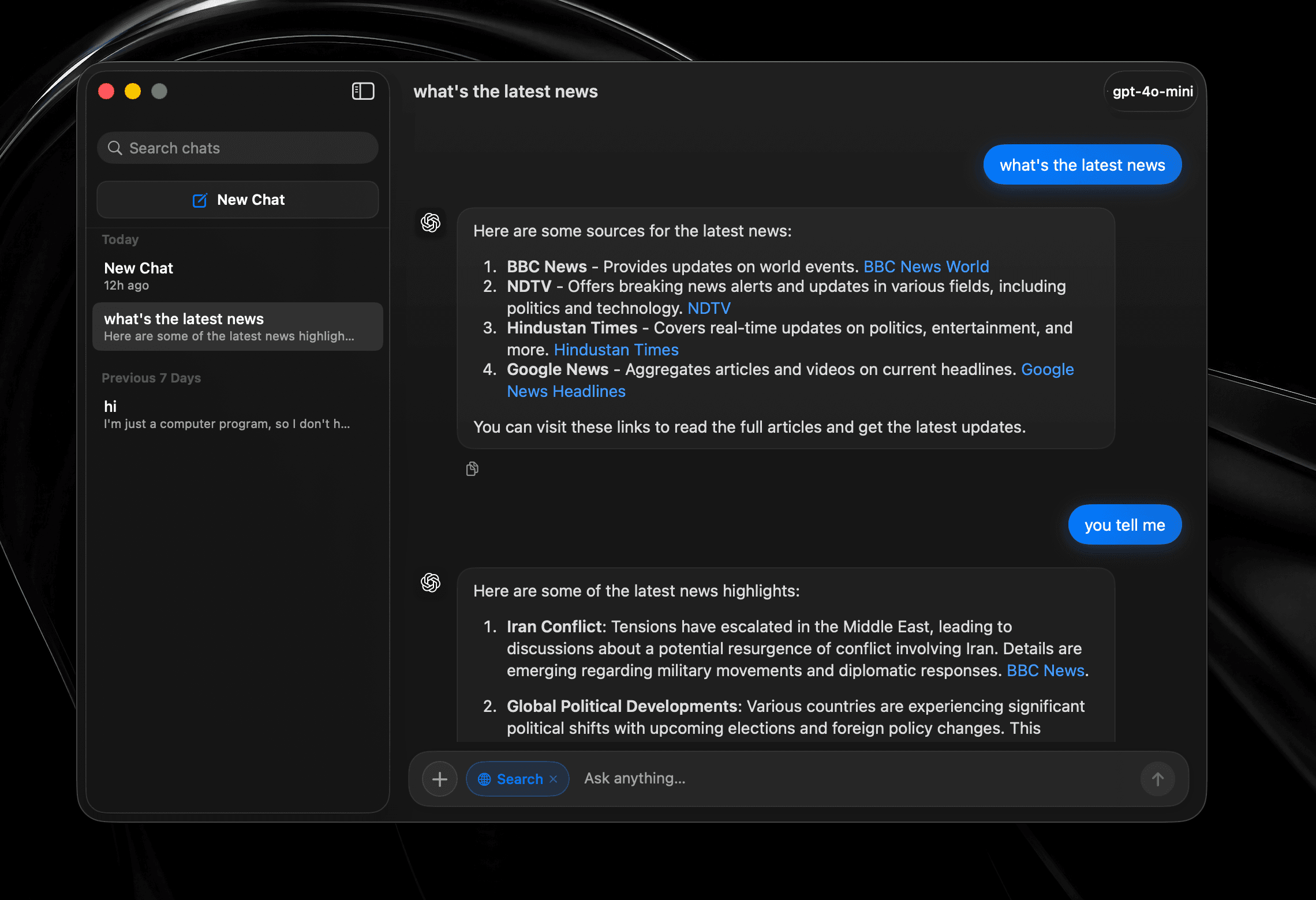
タスクを任せたら、あとは離れても大丈夫。エージェントがツールを選び、アプリを横断して作業し、指定の場所に結果を書き込みます。
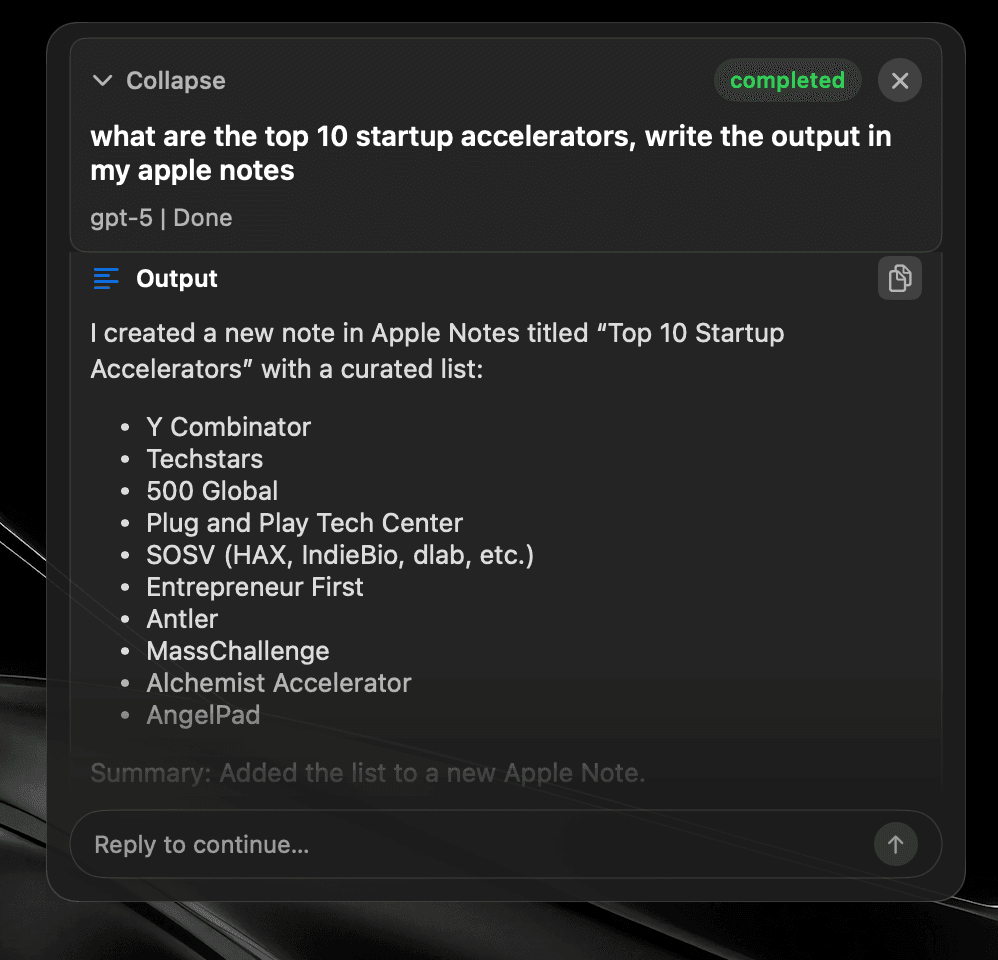
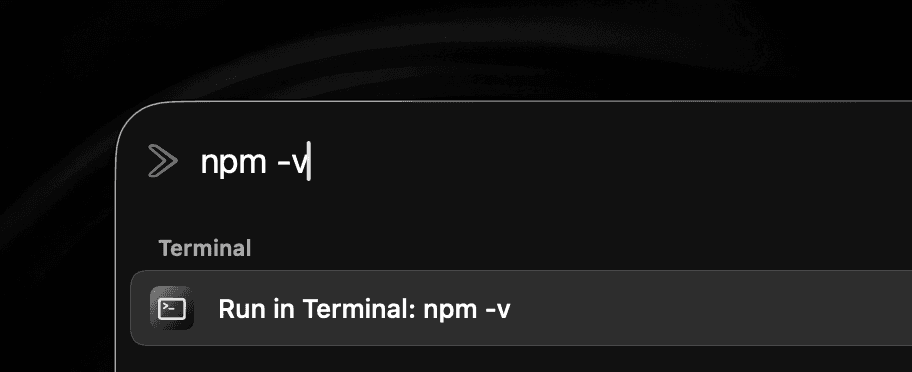
作業を中断したりターミナルを探したりせず、その場でシェルコマンドを実行できます。
どのアプリでもテキストを選び、その場で整えられます。チャットへコピーして戻す必要はありません。
新しいショートカットを覚える代わりに修飾キーを2回押すだけ。ランチャー、エージェント、好きなツールを割り当てられます。


クラウド・ローカル・デバイス上
AIプロバイダー
OpenAI、OpenRouter、ChatGPTアカウント、Anthropic、Gemini、LM Studio、Ollama、Local MLX、Mistral、ElevenLabsに接続できます。
Apple Intelligenceなら、すべてデバイス上で完結します。
選んだプロバイダーはQuick Fix、Quick AI Chat、AI Chat、Global AI Promptで共通して使えます。
Apple Intelligenceの利用可否は、対応Mac、macOSのバージョン、言語、地域によって異なります。
Snippets
Expand text anywhere
Window Management
Snap & arrange
System Commands
Control macOS fast
Read Aloud
Text-to-speech playback
Browser integration
Tabs, history, bookmarks
Widgets
CPU, memory, time, top apps
Alt + Tab
Close windows with Backspace
Raycast Extensions
Import & run extensions
Local Dictation
On-device voice typing
File Search
Find files instantly
Menu Item Search
Search commands in any app
Cloud Sync
Your setup on every Mac
Quicklinks
Jump to anything
Hyperkey
One key, many shortcuts
Calendar
Next meeting, one keystroke
Clipboard
Unlimited history & search
Calculator
Inline math from the bar
Terminal commands
Run shell from the launcher
Screenshot tool
Annotate, history, pin
Custom Scripts
Run your own tools
App Hotkeys
Launch with keys
Navigation Bindings
Remap launcher navigation
Double-tap hotkeys
Modifier double-tap bindings
Emoji Picker
Search and paste in a flash
Translate
Any text, any language
10+ Languages
Use SuperCmd in your language
Quick Camera
Mirror your webcam instantly
Auto Quit
Close idle apps for you
AI Agents + harness
Plan, tool-call, and execute
AI chat window
Dedicated agent surface
Quick Fix
Rewrite & repair text
Quick AI Prompt
AI in one keystroke
GPT Realtime
Live voice agent
並べて比較
必要な機能は同じ。制限も負荷も少なく。
横にスクロールして比較 →
| 機能 |  SuperCmd SuperCmd |  Raycast Raycast |
|---|---|---|
| アプリ・ファイルランチャー | ||
| ウインドウ管理とSpaces | ||
| 無制限のクリップボード履歴 | Pro only 3 months free | |
| 無制限のメモと同期スニペット | Pro only 5 notes free | |
| クラウド同期と翻訳 | Pro only | |
| Raycast拡張機能 | Supported* | |
| AIチャットとエージェント | 11+ providers ChatGPT sign-in | Beta / Pro Raycast AI or BYOK |
| スクリーンショットと注釈 | Screenshot only | |
| ランチャー内のシステムウィジェット | Extensions | |
| オンデバイス音声入力とApple LLM | Cloud dictation | |
| GPT RealtimeとQuick Fix | AI Commands | |
| Alt-Tab切り替えと2回押しホットキー | ||
| ブラウザプロファイルとターミナルコマンド | Quicklinks / scripts | |
| 基盤技術 | Native Swift | WebView + Node + Rust |
| メモリ使用量 | ≈3× lower | 500 MB+ |
| アプリ容量 / ディスク上 | ≈50 MB | ≈144 MB |
| ダウンロード容量 | ≈20 MB | 100 MB+ |
| 価格 | One-time purchase Lifetime licence | $8/month Pro Advanced AI costs extra |
*Extensions using Raycast-managed authentication are not supported yet. Raycast plan and memory figures were checked against its published documentation in July 2026. Sizes and memory use vary by version, extensions, workload, and Mac.
料金比較
3つのサブスクと1つの買い切りアプリを置き換えます。
横にスクロールして比較 →
| 必要な機能 | 個別のアプリ | SuperCmd |
|---|---|---|
| 音声入力 |  Wispr Flow$15/month Wispr Flow$15/month | 含まれます |
| ランチャーとAI | Raycast Pro$8/month | 含まれます |
| スクリーンショットと注釈 |  CleanShot X$29 once CleanShot X$29 once | 含まれます |
| 読み上げ |  Speechify$12/month Speechify$12/month | 含まれます |
| 初年度の合計 | $449$35/month + $29 once | $39.99$19.99once · 3 Macs |
First-year total uses the listed monthly prices for 12 months plus the CleanShot X one-time purchase. Prices may change.
アーキテクチャ
SuperCmd v2はすべてSwiftで書かれています。音声入力はデバイス上で処理され、ウインドウ管理はmacOSと直接連携。OSの一部のように動きます。
AppKitとSwiftUIを適材適所で使用。瞬時に起動し、CPUは静か、Chromiumの負荷もありません。
Hyperkey、アプリのホットキー、システムコマンド、Quick Prompt。キーボードから手を離さない人のための設計です。
Raycastのバックアップを読み込み、拡張機能もそのまま。操作感を変えずに、より高速な環境へ移行できます。
SuperCmdのデータは100%ローカルに保存されます。クリップボード履歴、スクリーンショット、スニペット、検索、アプリの利用状況を収集することはなく、当社のサーバーに送信されることもありません。SuperCmdはプライバシー重視の分析サービスAptabaseを匿名セッション数の集計のみに使用し、機能の利用状況やイベントは追跡しません。AIプロバイダやクラウド同期などのオンラインサービスを選択した場合、データはお使いのMacから設定したサービスへ直接送信されます。 詳しくはプライバシーポリシーをご覧ください。
はい。ほとんどのRaycast拡張機能はSuperCmdで動作します。Raycastが管理する認証に依存する拡張機能はまだ対応していませんが、順次対応していく予定です。
はい。買い切り型です。一度の支払いでSuperCmdをずっと使え、今後のアップデートもすべて追加費用なしで受け取れます。
SuperCmdのライセンス1つで3台のMacまで利用できます。
はい。SuperCmdで設定を開き、「詳細 → Raycastインポート」に進んで、画面の案内に従って対応データを移行してください。
準備ができたら
キーボードショートカット、クリップボード、AIプロンプトを使いこなす人のためのSwiftランチャー。
早期購入特典·50%オフ·3台のMacで利用可能
macOS 26以降が必要です
Homebrewからもインストールできます
$brew install --cask shobhit99/tap/supercmd法人のお客様 開発者との通話を予約